Mechanisms you can print and trust.
Latches, hinge mounts and port slots for 3D-printed enclosures. Pick sizes and download a part here, or call the same functions from TypeScript. Every part says whether it has actually been printed and fitted.
git clone https://github.com/kmartinezmedia/partkit && cd partkit && npm install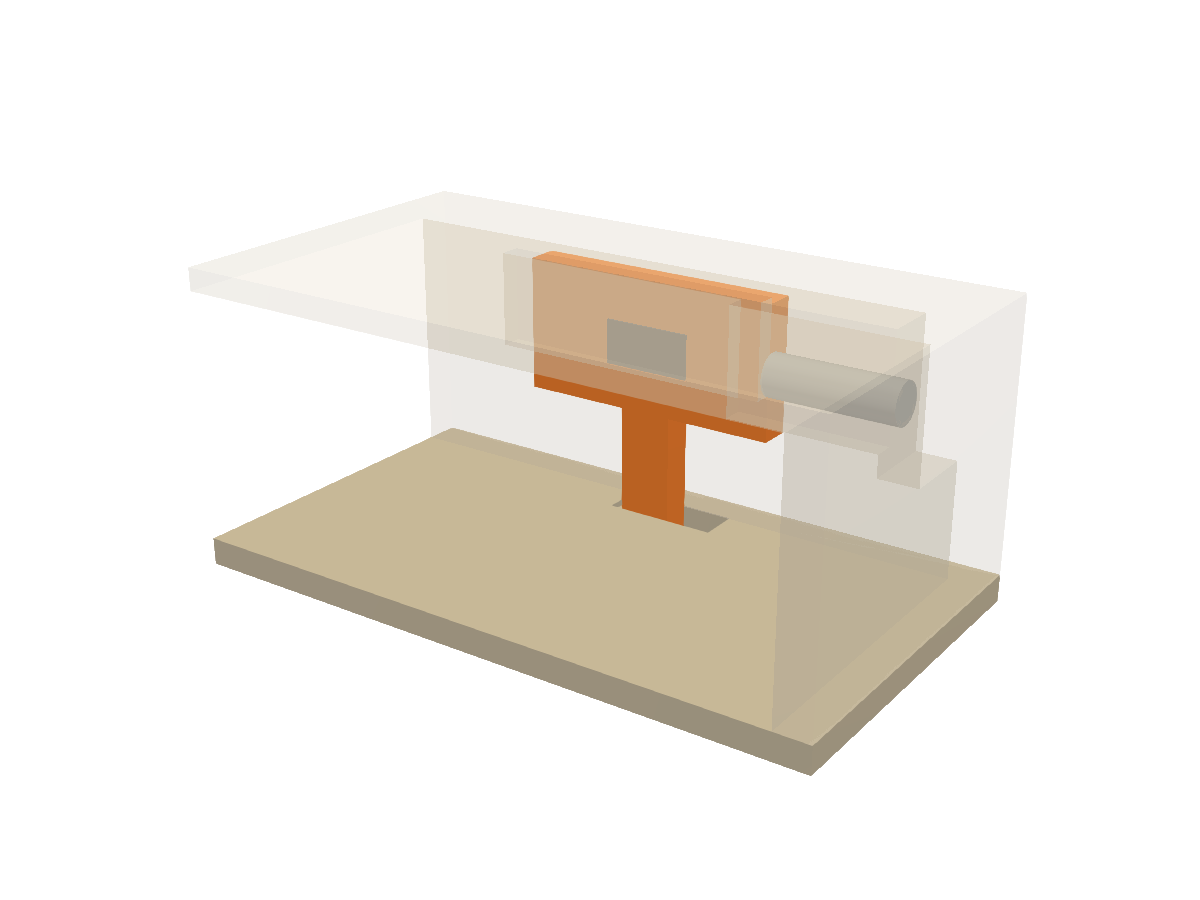 Loading 3D view
How it works
A printed mechanism is not finished when the model looks right. Each component comes with the steps that get it to a working part.
Call a function
Each mechanism is one function or small class with sizes you can change.
Get parts and cut-outs
It returns the pieces to print and the shapes to add to or cut from your own case.
Run the checks
Overlap, the full motion, whether it can be assembled, and whether a screwdriver can reach.
Print the coupon
A small test piece cut from your real model, before a ten-hour print depends on it.
Components
4 of 8 are proven on a printer with real hardware. The rest say exactly how far they have got.
Printed and fitted with the real hardware.
Printed, but the mechanism has not been exercised yet.
Passes the model's fit checks only. Not printed.
A practice or a tool, not a printed part.
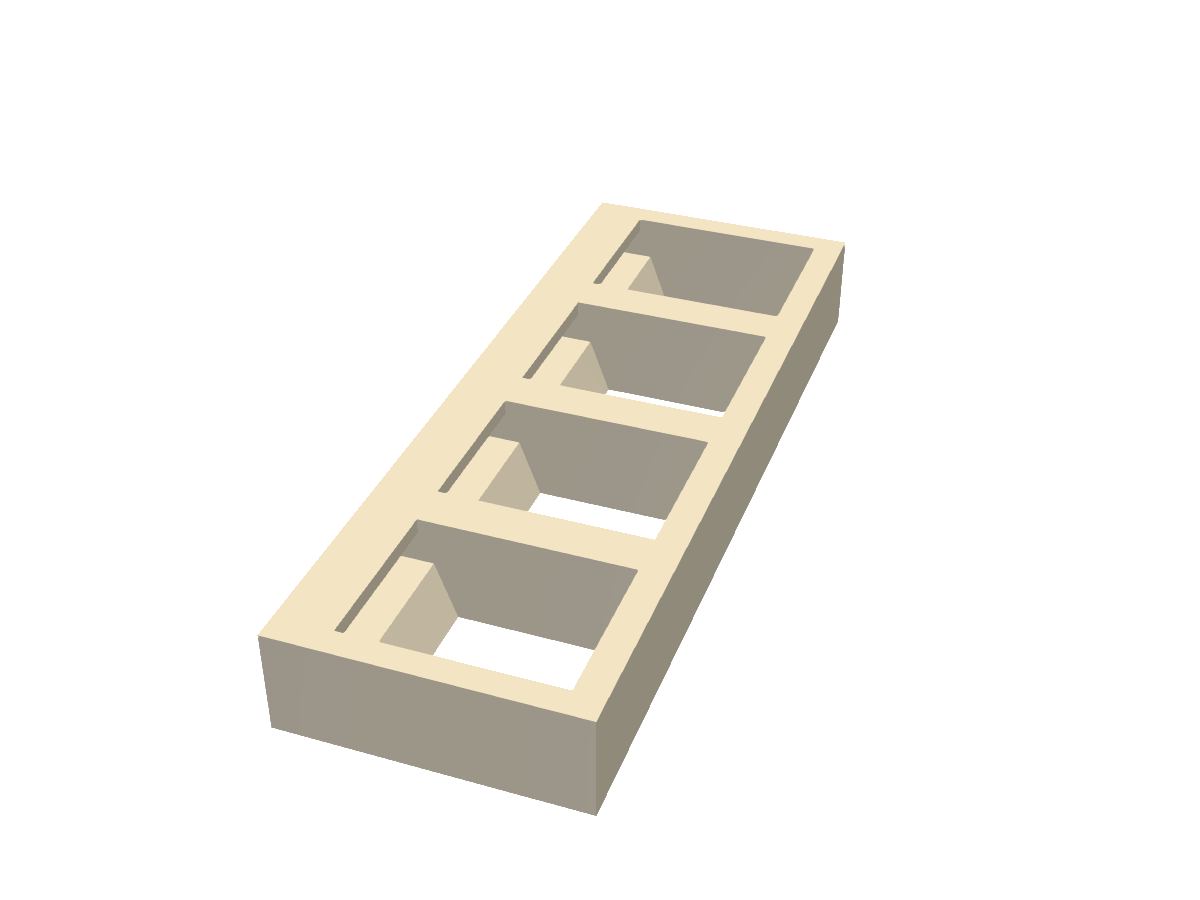
Keystone jack slot
A panel slot that standard keystone jacks click into and stay in.
Sliding spring latch
A thumb-slide latch that snaps shut by itself and springs back to locked.
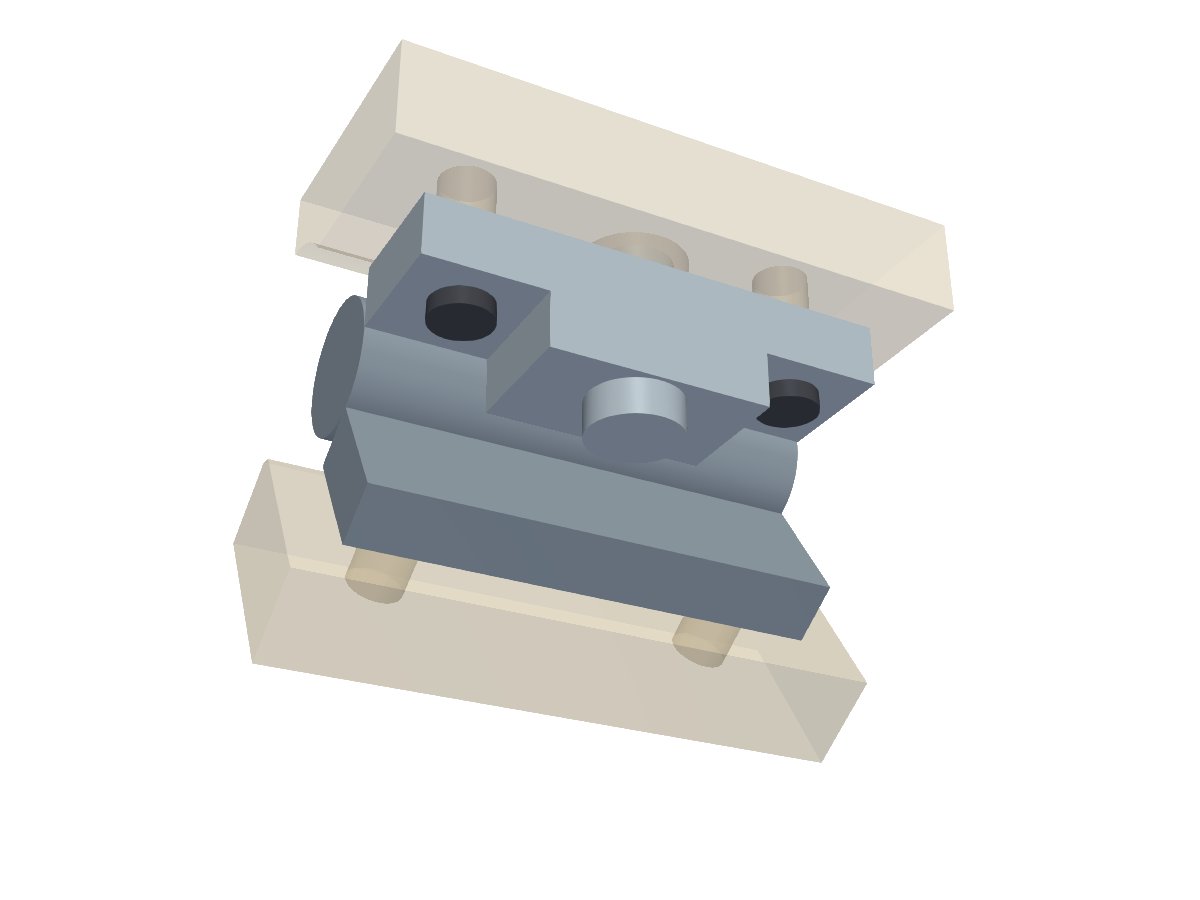
Torque hinge mount
A bought friction hinge as a measured body, with its insert holes and the rule for which way it folds.
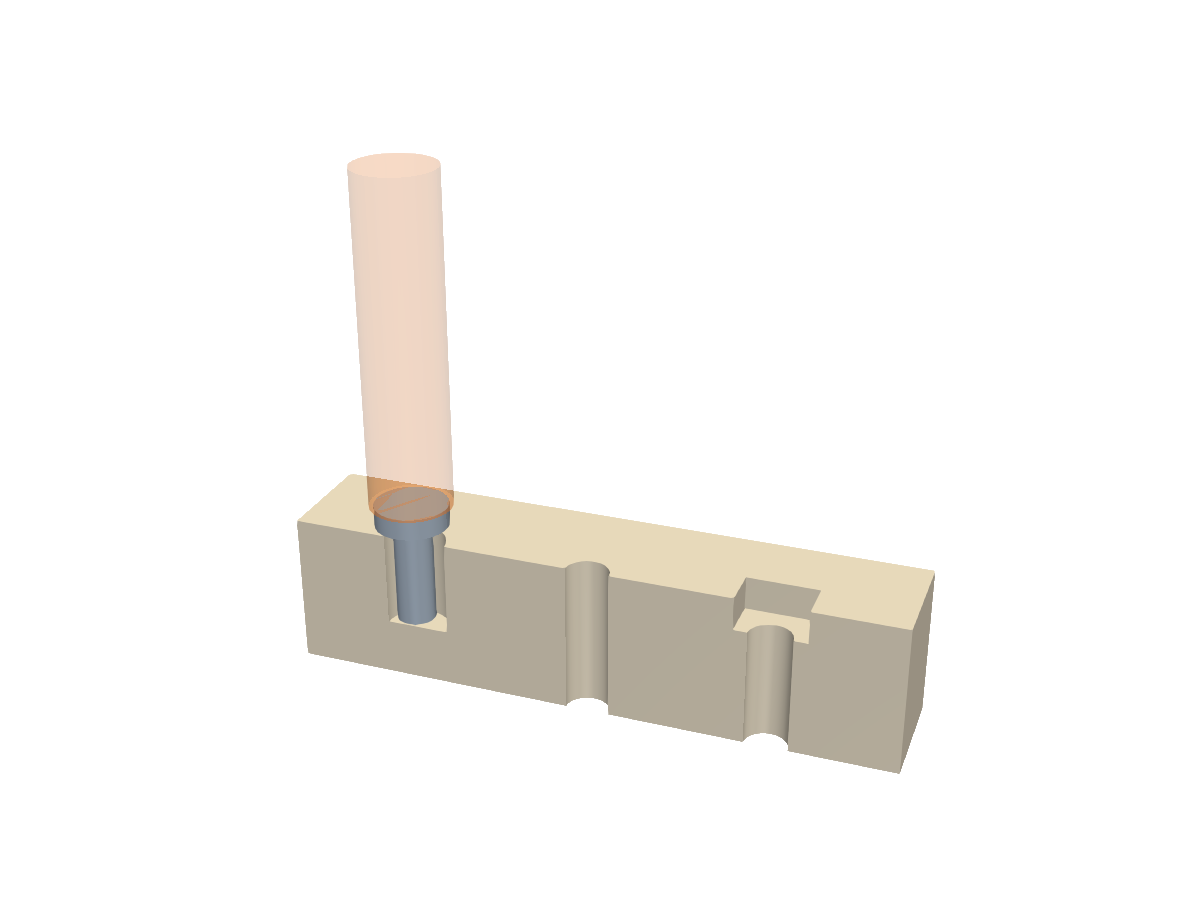
M3 fastener features
Hole sizes that have been printed and fitted, plus a screw and a screwdriver to check against.
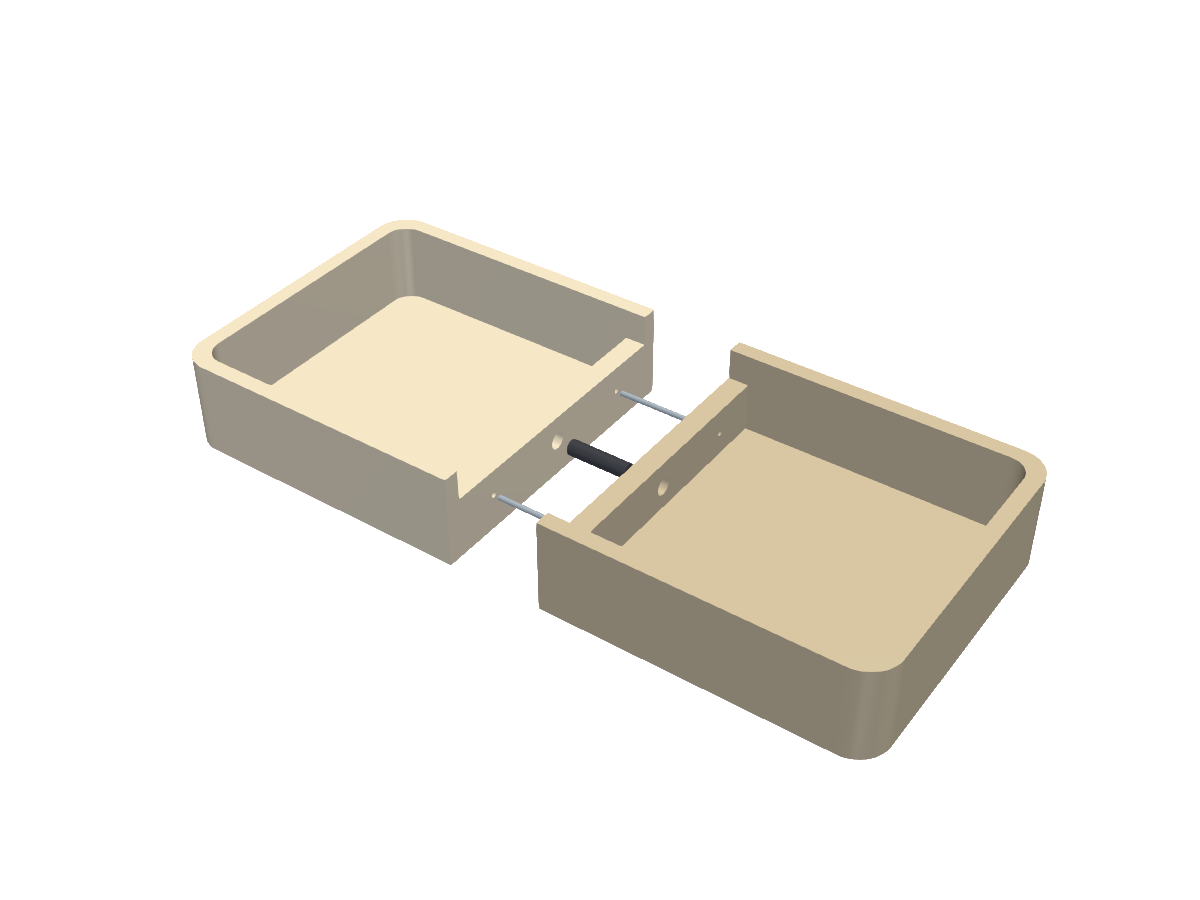
Split seam
Print a part wider than the bed as two halves that find each other.
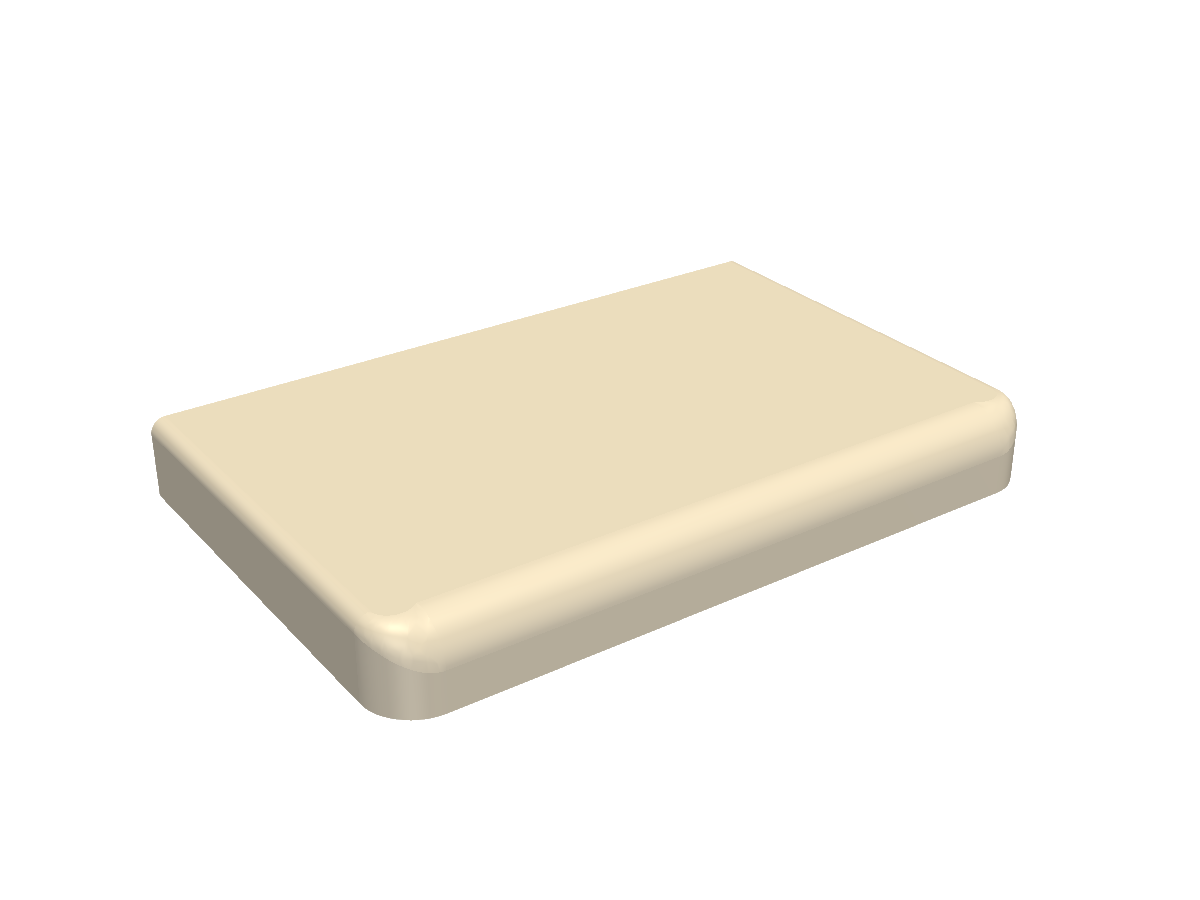
Blended fillet
One rounded edge that changes radius smoothly round a corner.
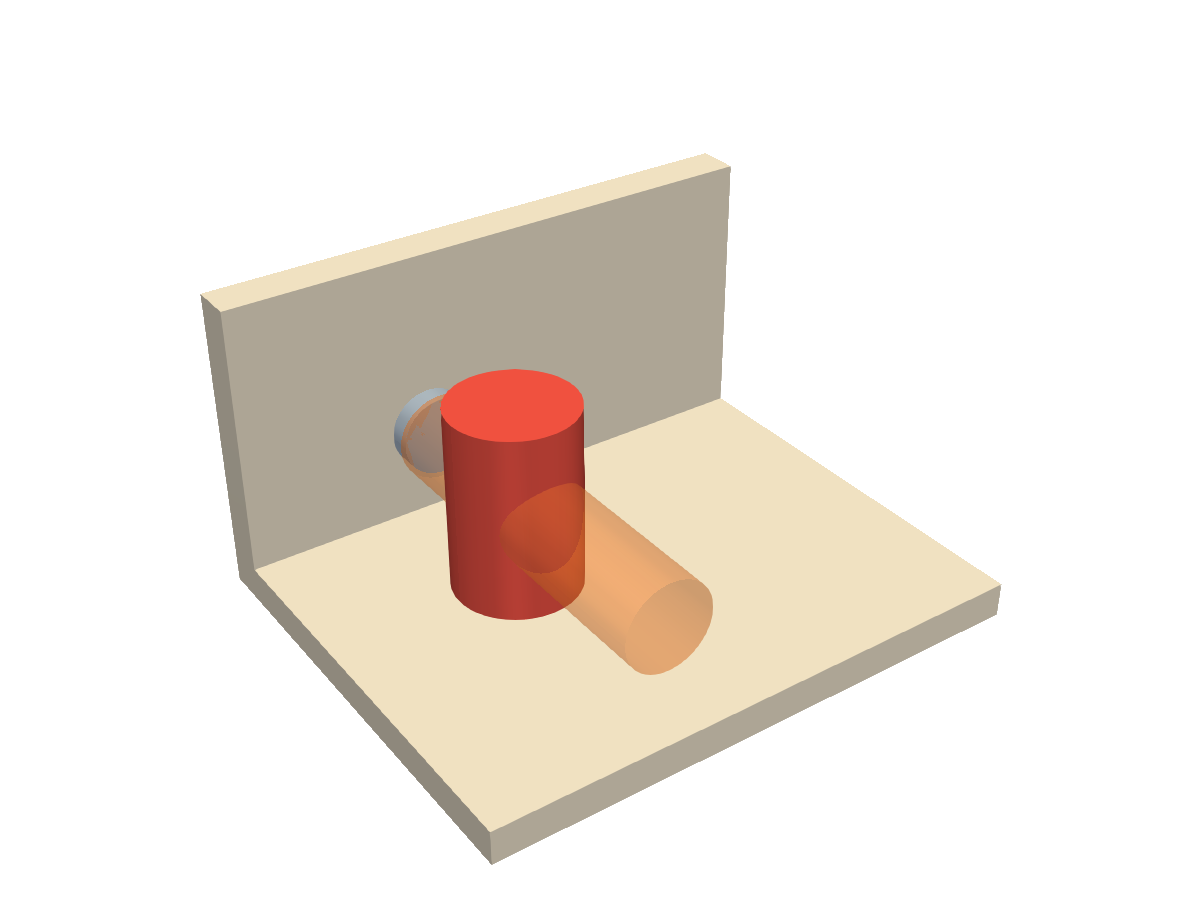
Five lines to a working latch
Components are written in their own local frame and return plain solids, so they drop into any model. It runs on the same geometry kernel as desktop CAD, in Node and in the browser. The defaults are the sizes that were printed; change them and the library tells you to test again.
import { ready, SlideLatch } from "partkit";
await ready();

const L = new SlideLatch();              // the sizes that were printed
lid  = lid.fuse(L.lidAdd()).cut(L.lidCut());
deck = deck.cut(L.deckSlot());

const [slider, pad] = L.parts();         // the two pieces you print
console.log(L.selfCheck().toString());   // ends with ALL CLEAR
Coming next
Mechanisms that exist in a real build and move into the library once they are proven.